
.png)
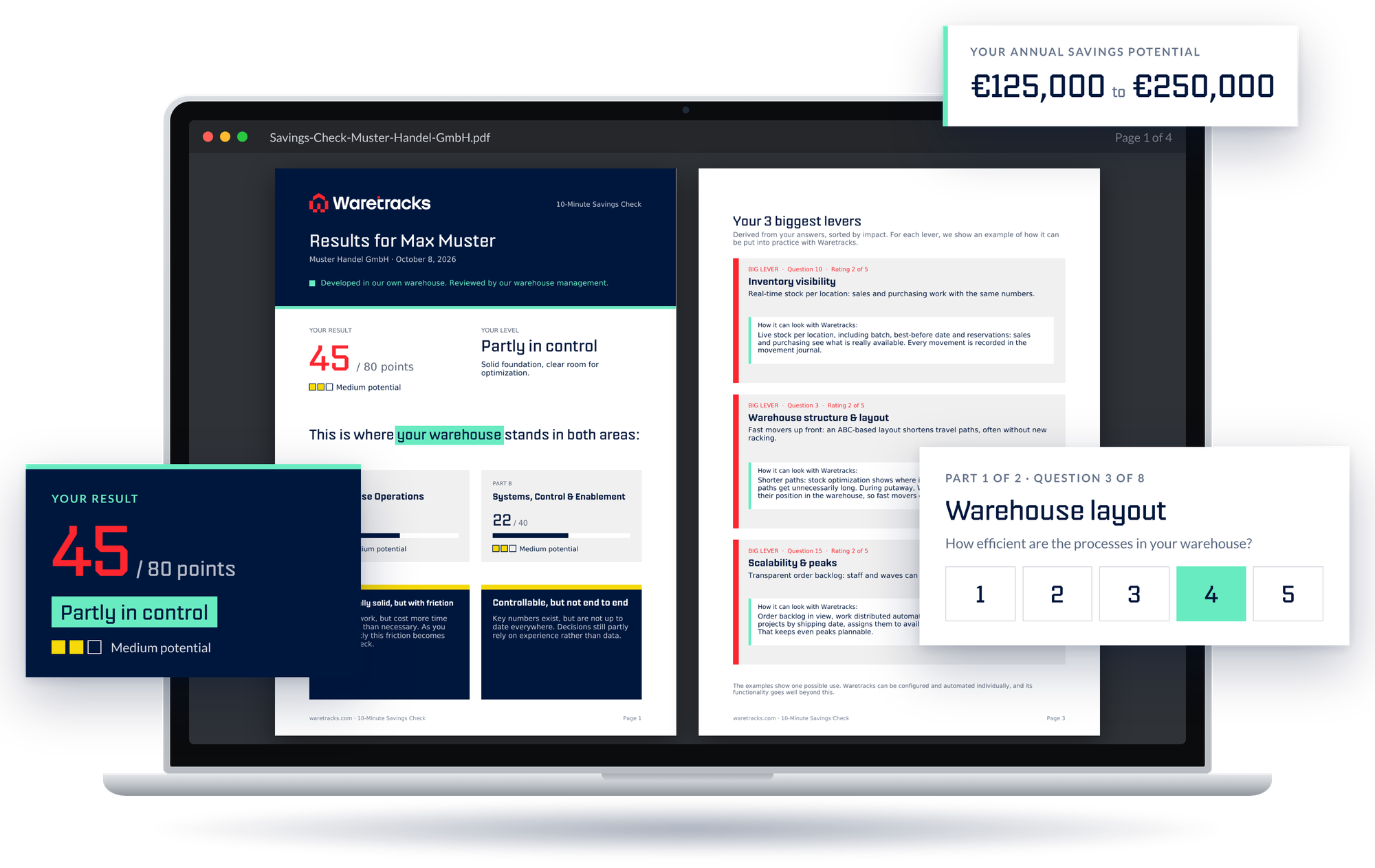
Is your problem in the warehouse?
Click everything that applies to your company.
+
Stock levels don’t match
The ERP shows one quantity, the shelf holds another. Before every promise to a customer, someone recounts.
+
Time lost searching
Your team walks around looking for items instead of picking them.
+
Picking errors
Wrong items or quantities only show up at the customer, as complaints or returns.
+
Knowledge sits in a few heads
Only one or two experienced colleagues know where things are. When they’re out, operations stall.
+
Stocktaking takes days
The warehouse stands still for stocktaking, and the numbers still don’t add up afterwards.
ERP or WMS?
When to choose which.
A new ERP and a WMS solve different problems.
Here you can see when each system is the right lever and
when it makes sense to do both, one after the other.
Here you can see when each system is the right lever and
when it makes sense to do both, one after the other.
What speaks for a WMS

.png)
The problems start in the warehouse:
stock levels don’t match, people search for items, picking goes wrong.
stock levels don’t match, people search for items, picking goes wrong.
Accounting, sales and purchasing work well with your ERP.
Your ERP has interfaces and still receives updates.
You want to see results fast:
After setup & testing, go-live during ongoing operations is done within 24 hours.
After setup & testing, go-live during ongoing operations is done within 24 hours.
What speaks for a new ERP
The problems lie outside the warehouse, for example in accounting, sales or purchasing.
Your ERP no longer receives updates or is about to lose support.
It lacks interfaces for connecting other systems.
Your business has changed so much that the ERP can no longer map it.
When to introduce a WMS first and a new ERP later
Your ERP is due to be replaced in the medium term, but the warehouse is already holding you back today.
An ERP project often takes years, and you don’t want to wait that long.
You want to choose your new ERP calmly, not under pressure from the warehouse.
The WMS stays: when you switch ERPs, Waretracks is simply connected to the new system.
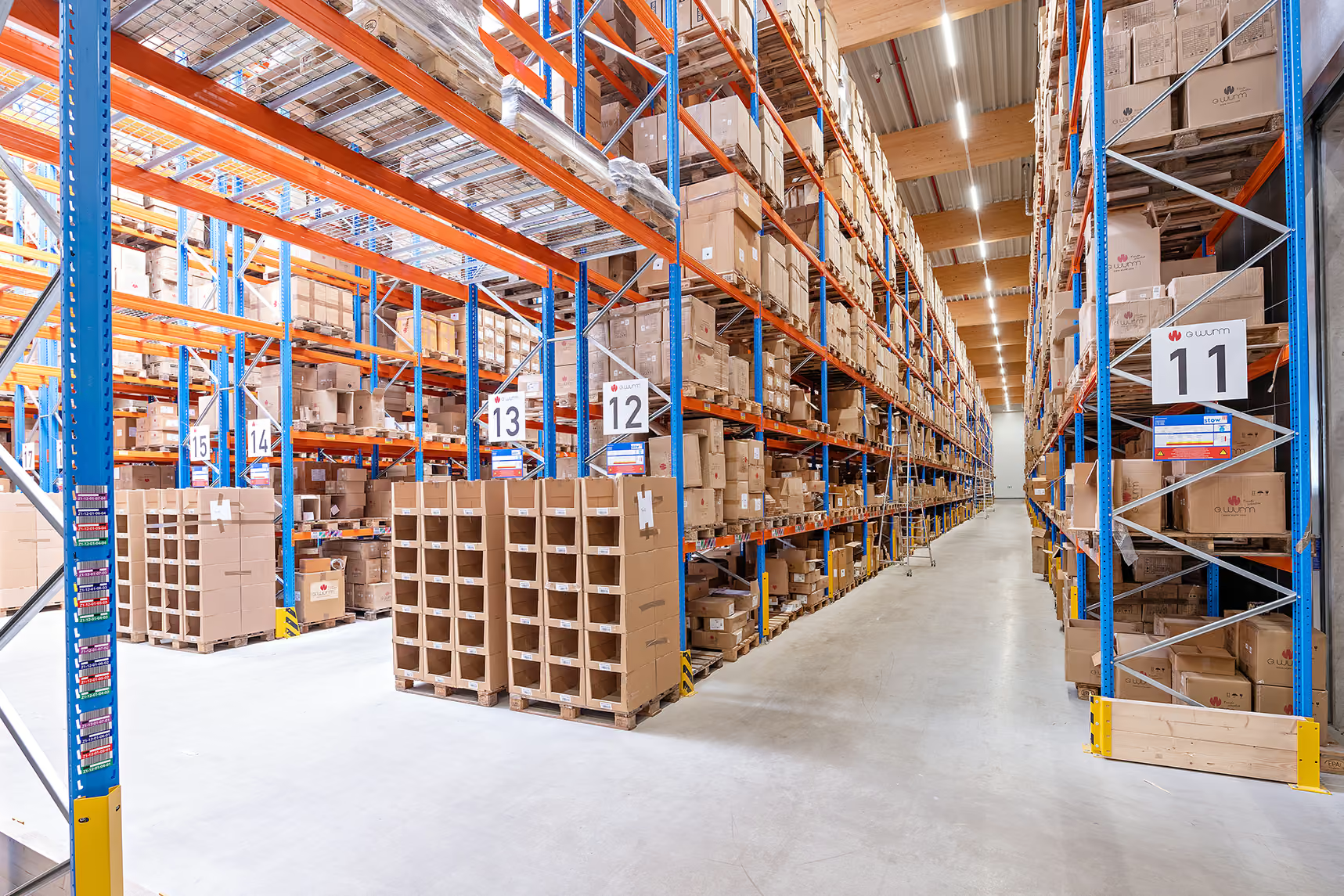
Developed in the warehouse, not in the lab.
Waretracks was created in the warehouse of the G. Wurm Group in Cologne. We couldn’t find a WMS that fit our processes, so we built one together with our warehouse team. Our own warehouse still works with it every day.
That’s why we know where warehouses get stuck, and when the ERP isn’t to blame.
Now it's your turn:
Oops! Something went wrong while submitting the form.
Oops! Something went wrong while submitting the form.

+49 2203 6979700
Ruf uns direkt an. Wir helfen dir gerne weiter.

hallo@waretracks.com
Schreib uns jederzeit,
wir melden uns so schnell wie möglich zurück.
wir melden uns so schnell wie möglich zurück.
Customers
who trust us:
who trust us:
.png)



FAQ
Frequently asked
questions.
What people looking for an ERP ask us most often.
And our honest answers.
And our honest answers.
Which ERP systems does Waretracks work with?
Waretracks can generally be connected to common ERP systems, via their interfaces or our open REST API. Orders, stock levels and documents are synchronized in real time in both directions. How deep the integration goes depends on your ERP. We check that specifically for your system in the first call.
Do I need to migrate data?
Not the way you would with an ERP switch. Your ERP remains the leading system for master data, and Waretracks receives it via the interface. What you mainly need to prepare are your storage locations and the structure of your warehouse, so Waretracks knows where everything is.
When is a new ERP the right call after all?
When the real problem isn’t in the warehouse. For example, when accounting, sales or purchasing can no longer work with the current system, or when your ERP no longer receives updates or offers interfaces. Then a WMS alone won’t solve the problem, and we’ll tell you so. Often the sequence still makes sense: stabilize the warehouse first, then choose the ERP calmly.
